Online Tool
It ensures convenient browser based downloads. You can continue using it without the hassle of installing heavy softwares or apps. You can access it through the browser to save whatever you want at fingertips.
Free · No Login Required · No Watermark
Download Photos, Videos, Gifts, and public thread posts with Threads Downloader. Save HD media in original quality without watermark or any software installation.
Download Threads media
Works with public video, photo, carousel and GIF posts.
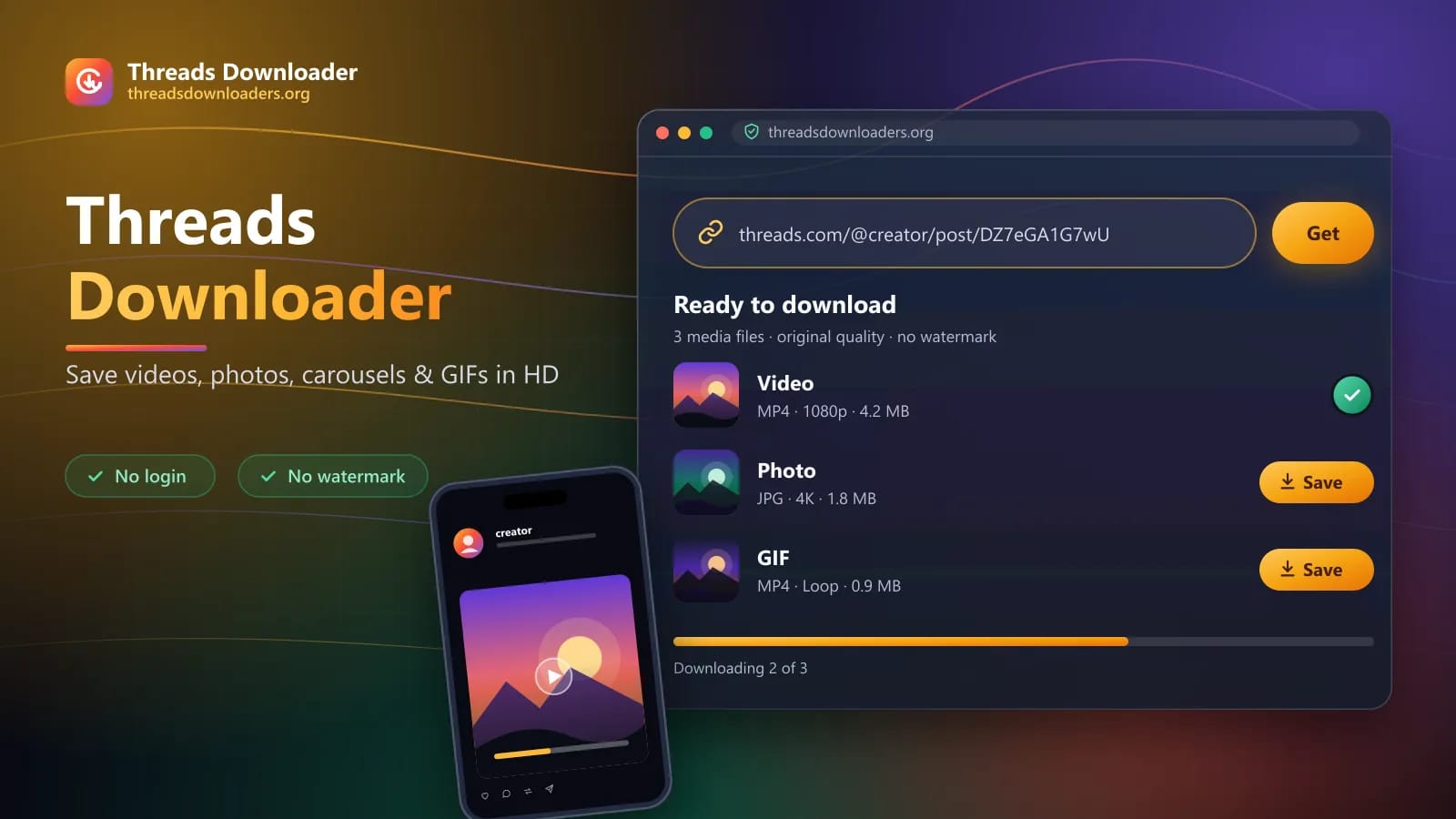
Threads Downloader is an online web-based tool that helps to save threads. It allows you to save videos, photos, GIFs, and other media from public Threads posts into your local storage. No Software Installation or Registration required. You need to copy the post URL, visit the Threads Downloader and tap the download button to save into your device. It's a high speed tool freely accessible on Android, iPhone, Windows, Mac, and other devices. It offers users friendly layout, high quality downloads, free usage and tons of exciting features. You can use it anytime to save threads effortlessly without any watermark.
How it works
Threads Video Downloader is an all-in-one media saver. It allows you to download videos, photos, carousels, and GIFs from Meta’s Threads platform on mobile, tablets and desktop. It extracts high quality media without watermark to save into your local storage for offline viewing. You can copy the public threads posts URL and paste into the Threads Downloader Extension. The tool will process links and help you to download media in MP4, JPEG, MP4, and other formats. It's a free, fast, secure, and reliable option to save in original quality. Moreover, it doesn't require any subscription or app's installation for saving media for offline viewing and social sharing.
Why it stands out
You can download video and photo threads directly from this secure website. It's secure, safe, and free online saver available for multiple devices. It stands out due to its reliable services and tons of extraordinary features such as;
It ensures convenient browser based downloads. You can continue using it without the hassle of installing heavy softwares or apps. You can access it through the browser to save whatever you want at fingertips.
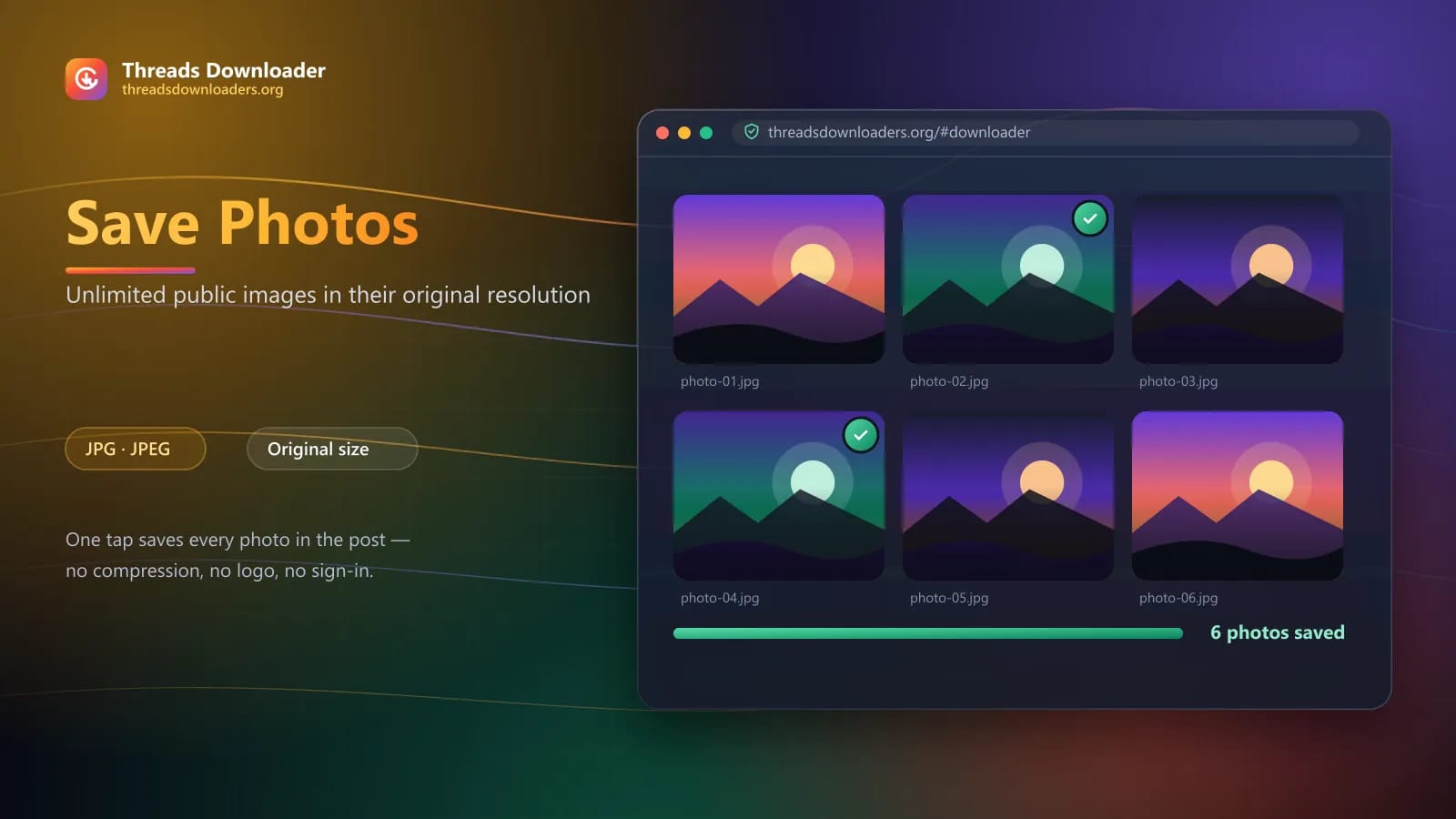
You can save unlimited photos and public images available on threads. Now you can download threads in original resolution by using this free tool.
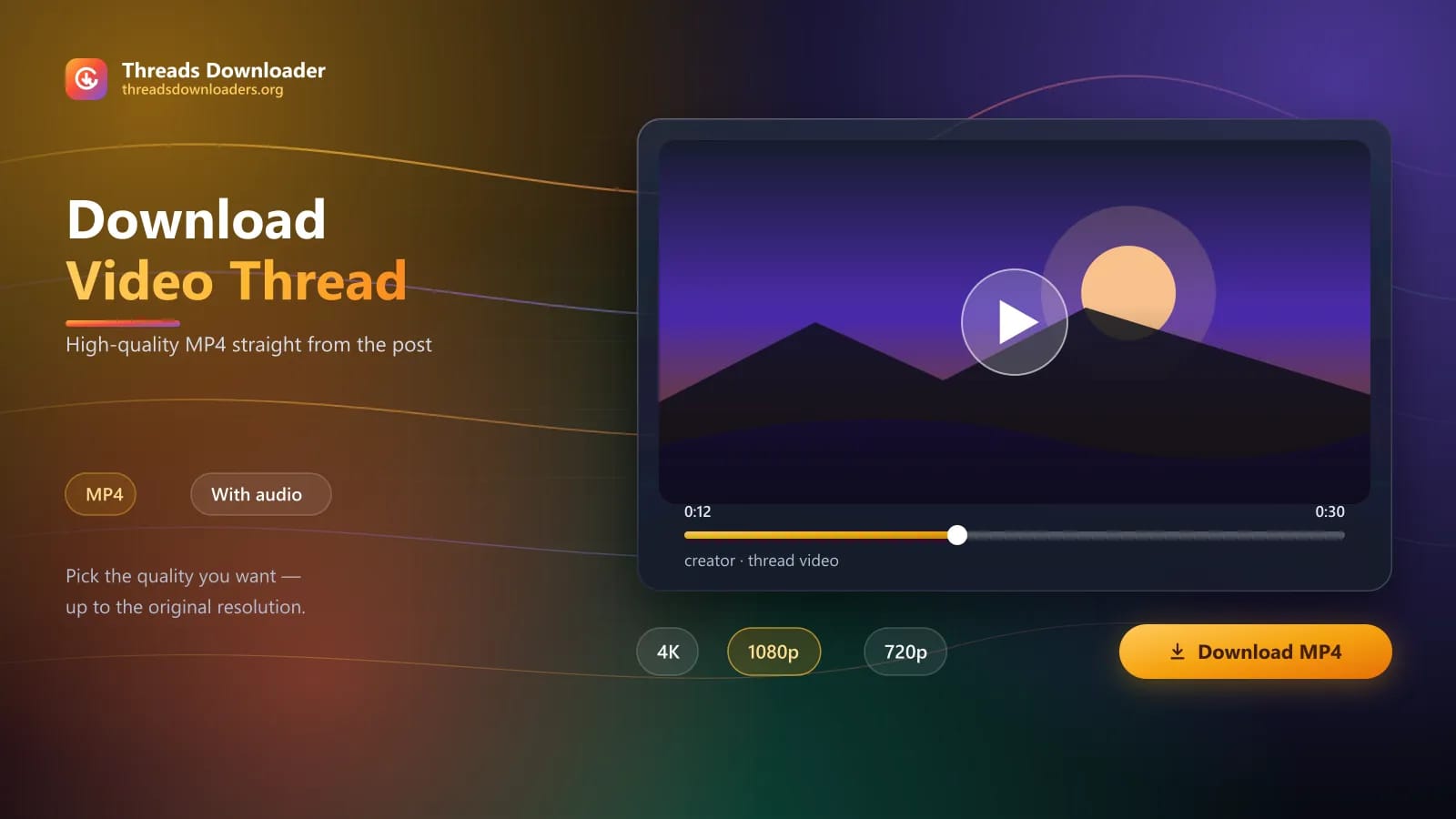
Save Videos and publically available MP4 media from Meta threads. You can download high quality videos to save into local storage or share with others without limits.
It doesn't require login. You can continue using it without inputting personal details or registration.
It saves high quality media without watermark. Its advanced engine is made to keep your downloads clean and clear by saving without a logo.
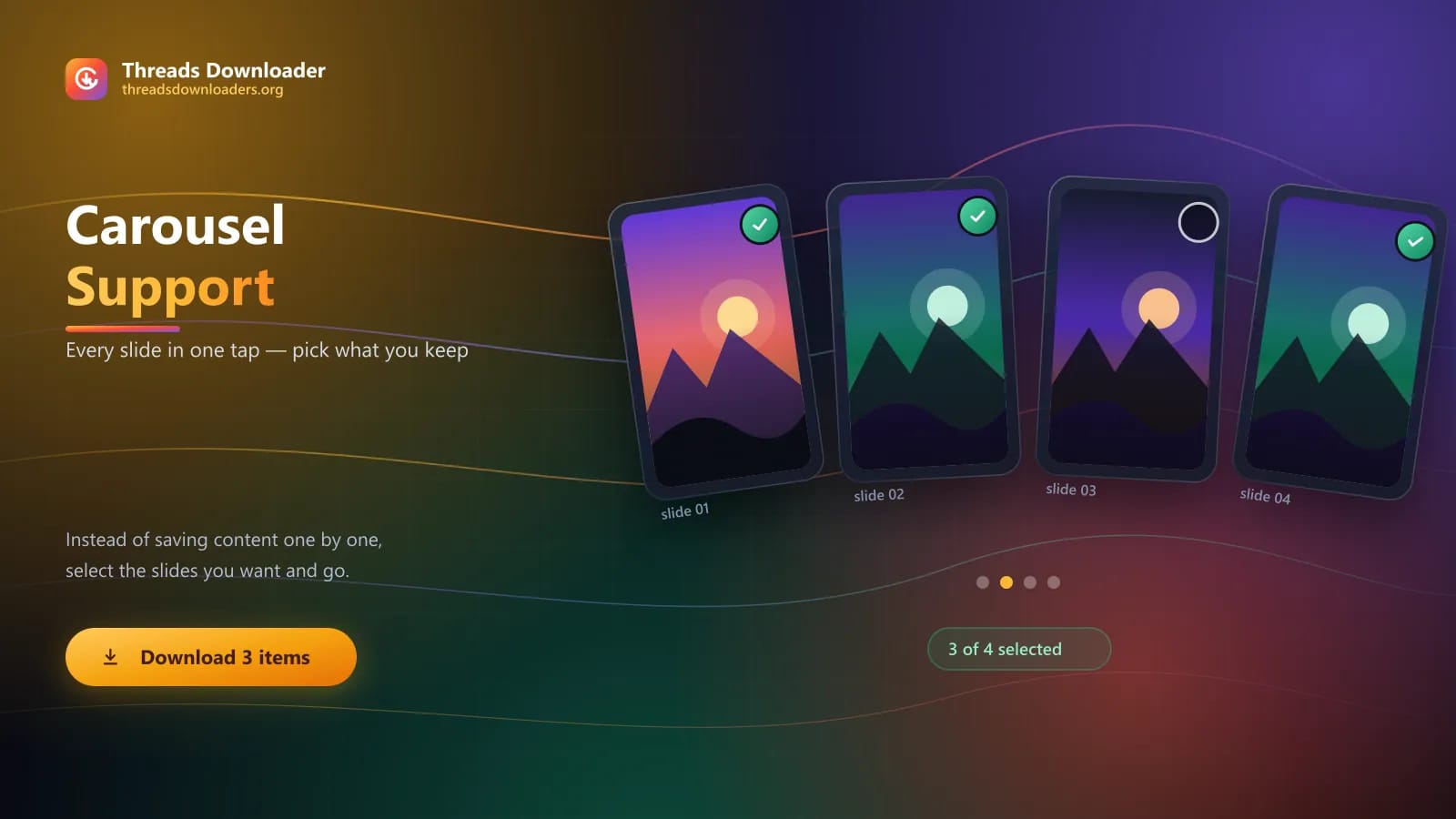
You can save multiple photos and videos with a single tap. Instead of saving content one by one, you can save carousel posts with minimum time and effort.
Threads Downloader shortcut works on multiple devices. It doesn't require any software installation, allowing you to continue using it on phones, tablets, Windows PCs, and Macs directly through your browser
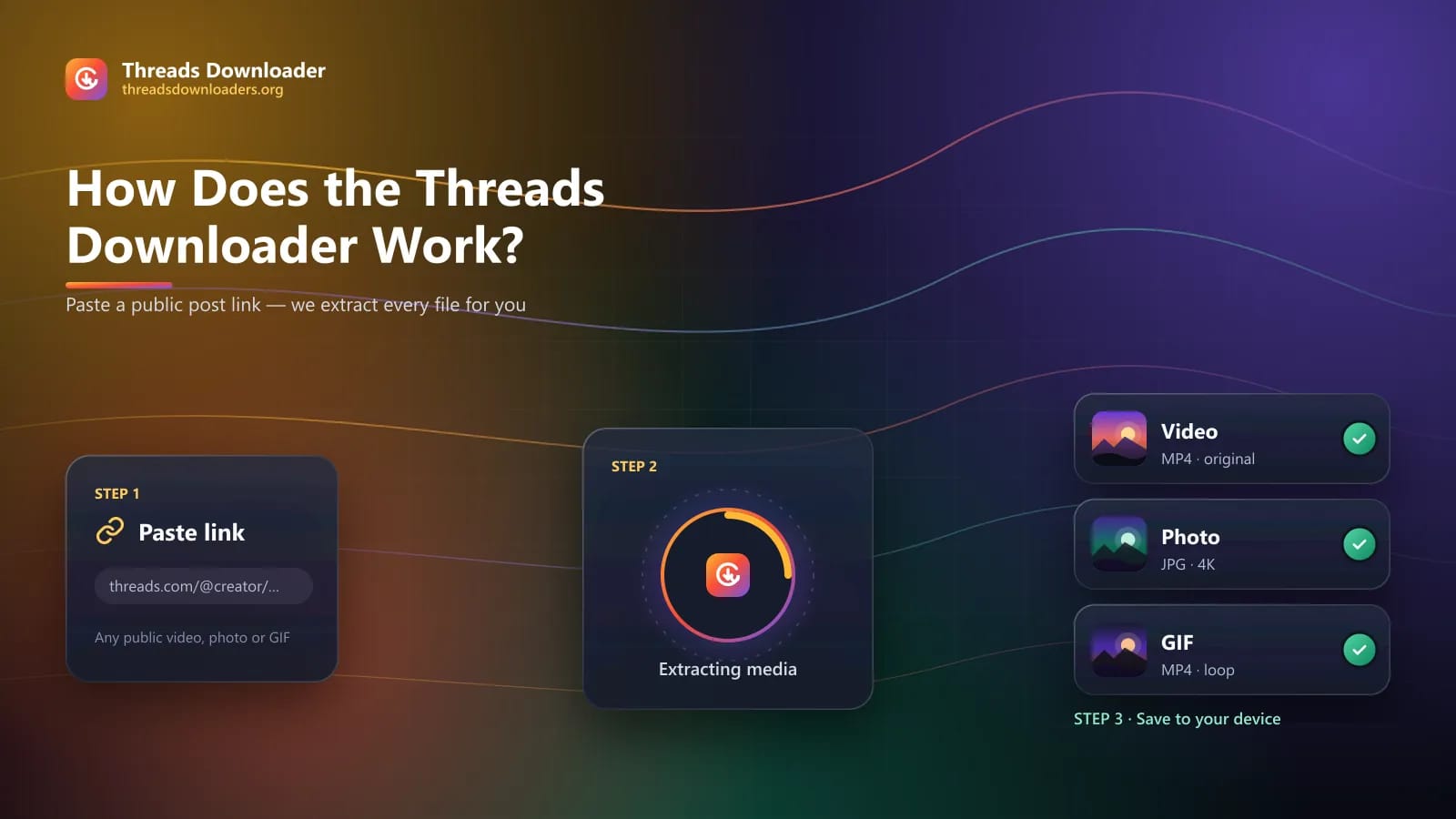
It requires you to follow a few simple steps to save whatever you want. You just need to open the tool, paste the URL, and tap the download button to save into local storage.
Features
Thread downloader is an online utility that works smoothly on all devices. It ensures friendly user experiences among all users with reliable and secure usage. Let's overview some of the extraordinary features available on it.
Threads Downloader retrieve media in original quality from the public posts. You can save high quality videos and images upto 4K quality. It preserves image sharpness, video resolution, audio, and overall media quality for better viewing and sharing.
It features an initiative UI, allowing you to preview and download video threads at your fingertips. You can save anything you want from this secure website without any hassle. You can open the tool anytime, paste the media link, and tap the download button to save directly into local storage.
It's a secure online platform that doesn't require threads credentials or store your personal information. It prioritizes users' privacy and ensures seamless navigation, allowing you to download unlimited photos and videos without asking for sensitive information.
It doesn't require you to pay fees for downloading threads. It ensures costless downloads without usage restrictions, ads, premium features or limits. You can save large photos and high quality videos from this secure tool without paying a single penny.
You can save whatever you want instantly on this secure app. You just need to paste the link into the tool. It will process the link and allow you to save desired content in seconds. The download speed also depends on the video size, media quality, internet speed, server load.
Threads is an ultimate social platform with millions of active users. Besides photos and videos, it allows users to share text posts and Gifts. It means you can download gifts and looping videos from it.
It supports saving images in widely supported formats such as JPG or JPEG. It is easy to share, edit, and store on modern devices without any restrictions.
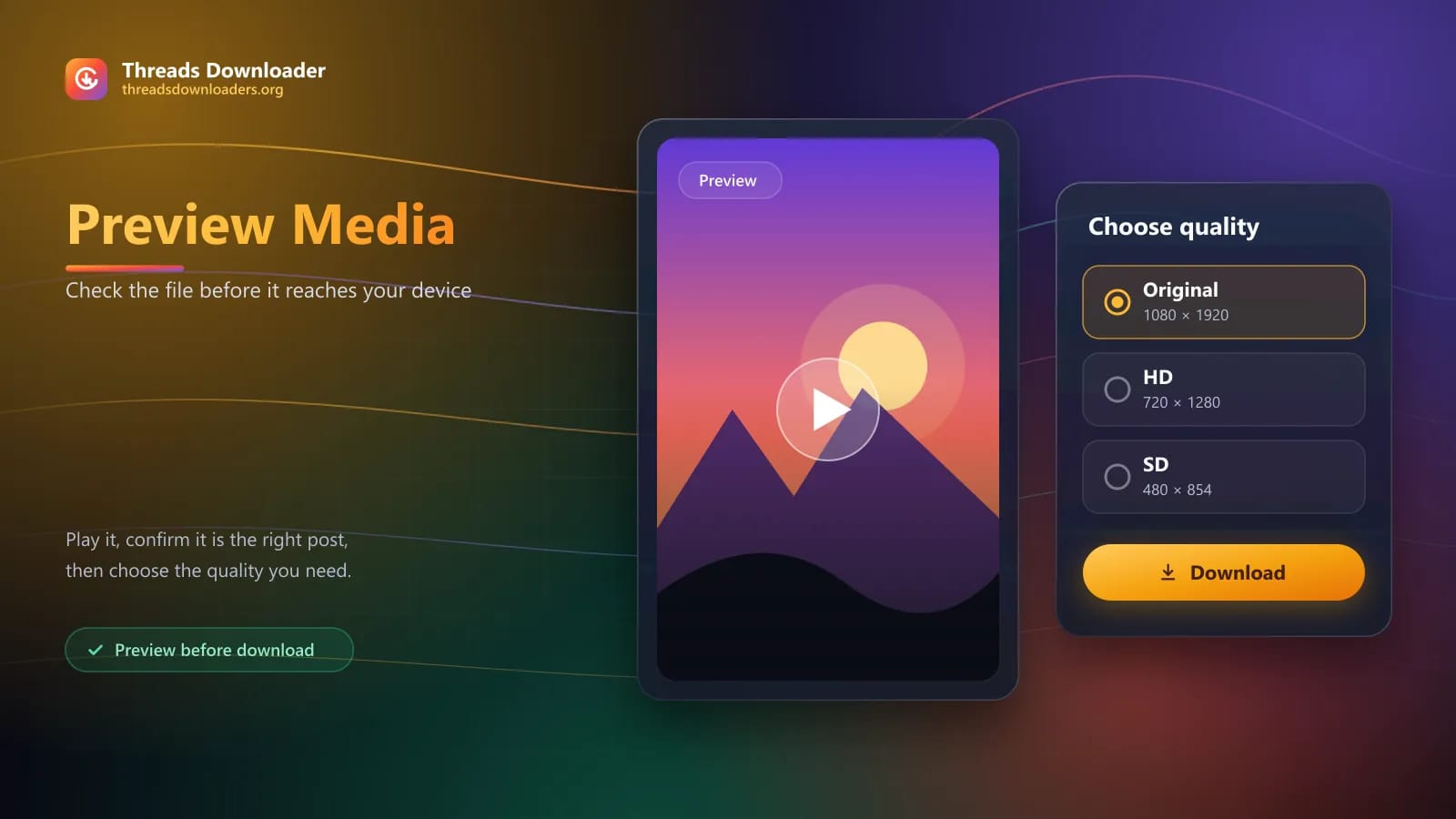
Now you can preview Media before saving into your device. It helps you to check if you're saving the correct file or not. Moreover, you can set media quality and preview it to save according to your preferences.
After saving video threads, you can directly share it on other platforms. The supported share options on this superb application helps you to share the media with friends or on social media apps with a single tap.
Why choose us
Do you want to download videos, photos, GIFs, and carousel content on Meta Threads platforms? If you're tired of seeing restrictions on saving your favorite media on Instagram threads? Try our free threads Downloader, it's a safe and convenient online tool that allows you to save on-demand content. It operates through browsers so you don't need to install any app or software. You just need to visit our website and input the media link you want to download. The tool will process the link and bring high quality download options. You can save threads in its original quality to view offline or share with friends. It's a completely free, secure, and trusted platform, allowing you to save crystal clear content without any ads or login.
Try our free threads Downloader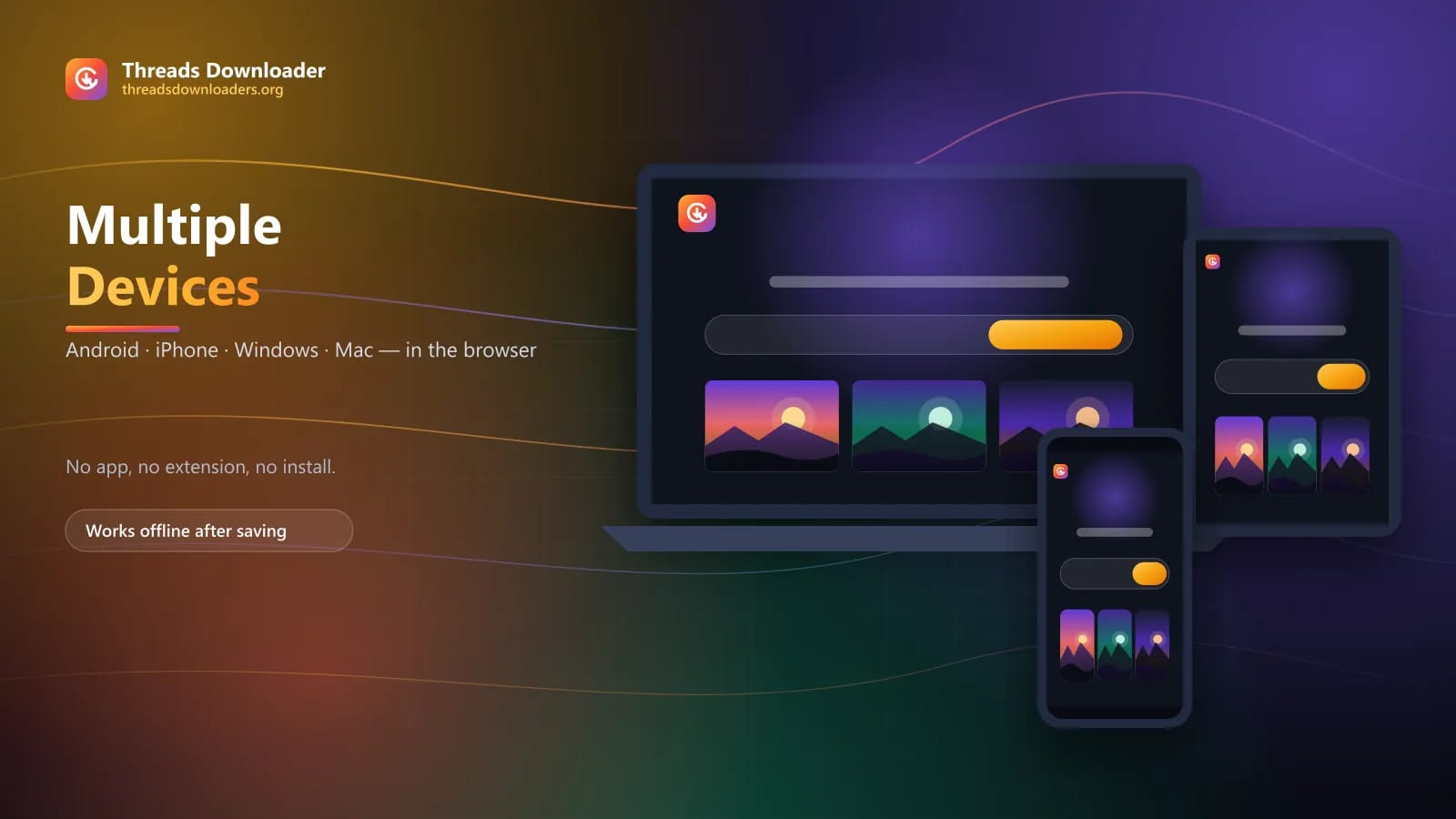
Step by step
Downloading video threads require you to follow a few simple steps. It has a straightforward UI allowing you to manage downloads. Let's discuss its usage in simple steps.
Step 1
Step 2
Step 3
Step 4
Download guides
Open video on Threads and tap on share icon to copy the link.
Visit our website and paste the video link.
The tool will process the video.
You can choose desired quality and format to download the video successfully.
Open Threads on your device.
Locate your favorite post to copy its URL.
Visit your browser and type “threads downloads”.
Open a trusted tool like this secure webpage and paste the photo link.
Once the video generates successfully, tap the download button to save directly into local storage.
Open the thread posts with multiple photos and videos.
Copy the URL of the entire post and paste into a trusted downloader.
Once the media Generates, you can select the photos and videos you want to download.
Tap on the download button to save content successfully.
Copy the URL of Gifts on threads.
Open your browser to visit our website.
Paste it into our website.
Tap on the download button to save gifts and loop videos successfully.
Honest overview
Support
Problem
Solution
Problem
Solution
Problem
Solution
Problem
Solution
Problem
Solution
Get started
Threads Downloader Free allows you to save posts right at your fingertips. It allows saving high quality MP4 videos, photos, gifts and other media without watermark. It's a safe online tool that operates directly through your browser on Android, IOS, PC, MacOS, Tablets, and other devices. It ensures hassle-free usage with a friendly user interface. You just need to paste the URL, tap the download button, and save whatever you want into your device. It's a fast and easy way to download on-demand stuff from meta threads platforms without any limits.
Download Now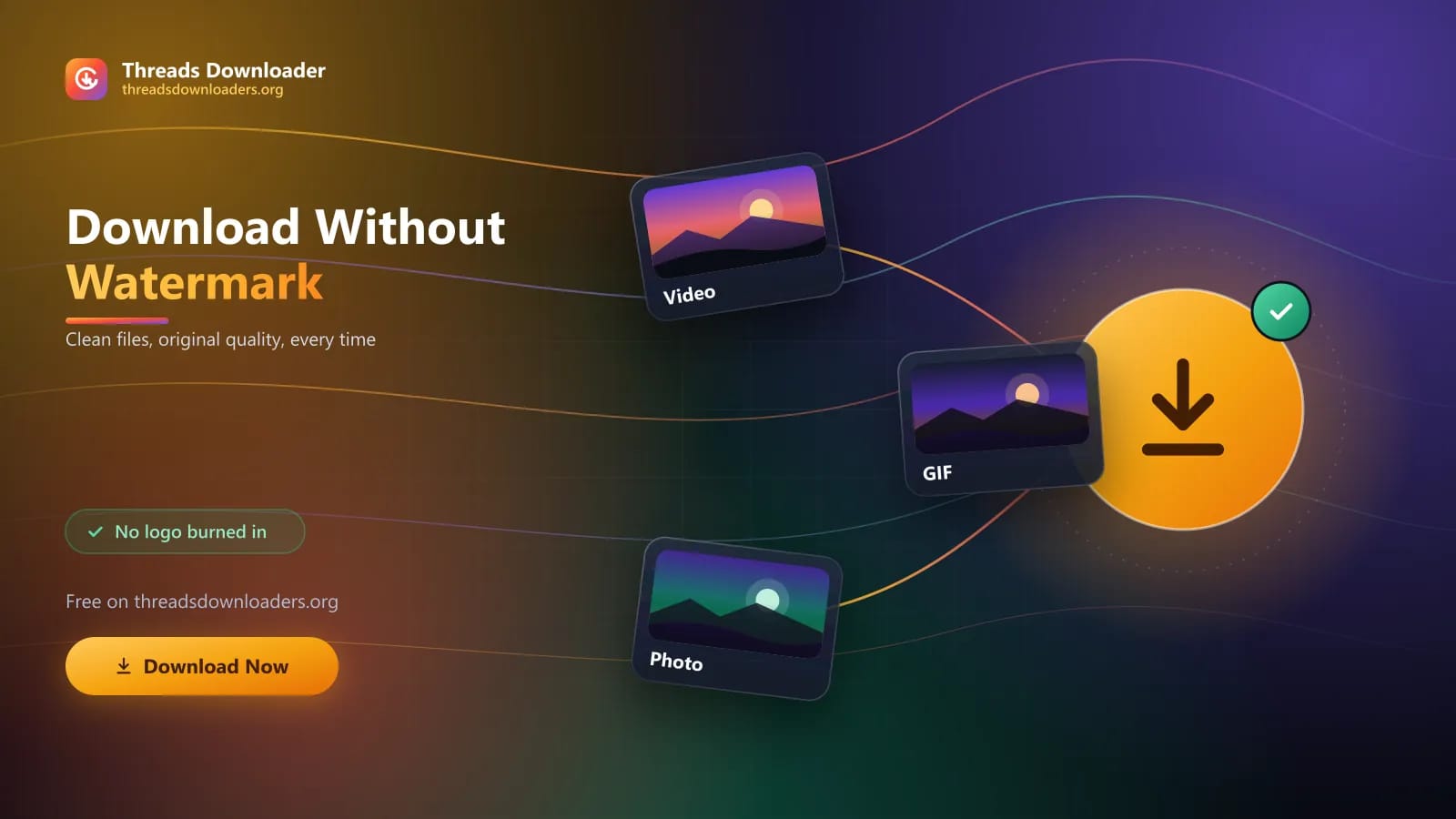
Questions
Yes, you can download all thread posts without watermark directly from this secure website.
Yes, you don't need to pay any fees. You can continue on this secure web-page without Abby subscription.
You can paste the media URL and tap the download button to save directly into your local storage.
Yes, if the photo is available in 4K quality then you can save it in its original quality.
The safety depends upon the website. Therefore, always choose the trusted websites like this secure web-page to prevent issues.
You can download it online by using this secure tool. Just copy the post URL and paste into the tool to save successfully into local storage.
No, it's a web-based tool that doesn't require you to install any app or software.
Yes, the public Instagram posts are downloadable.
The legality varies according to the copyrighted laws of your country. You should always prioritize the rules and avoid reposting the content.
Yes, it's an online tool that operates directly through your browser on IOS, Android, and PC.
No, the private media is not downloadabl.
Threads doesn't show reels like Instagram but you can download the publically available videos from it by using this secure tool.